Book Meetings with Leads Straight from Telegram — Introducing Calendar in SalesTalk
"Save a lead, tap Set Meeting, done. See how the new Calendar feature turns your Telegram lead notes into booked meetings — automatically."
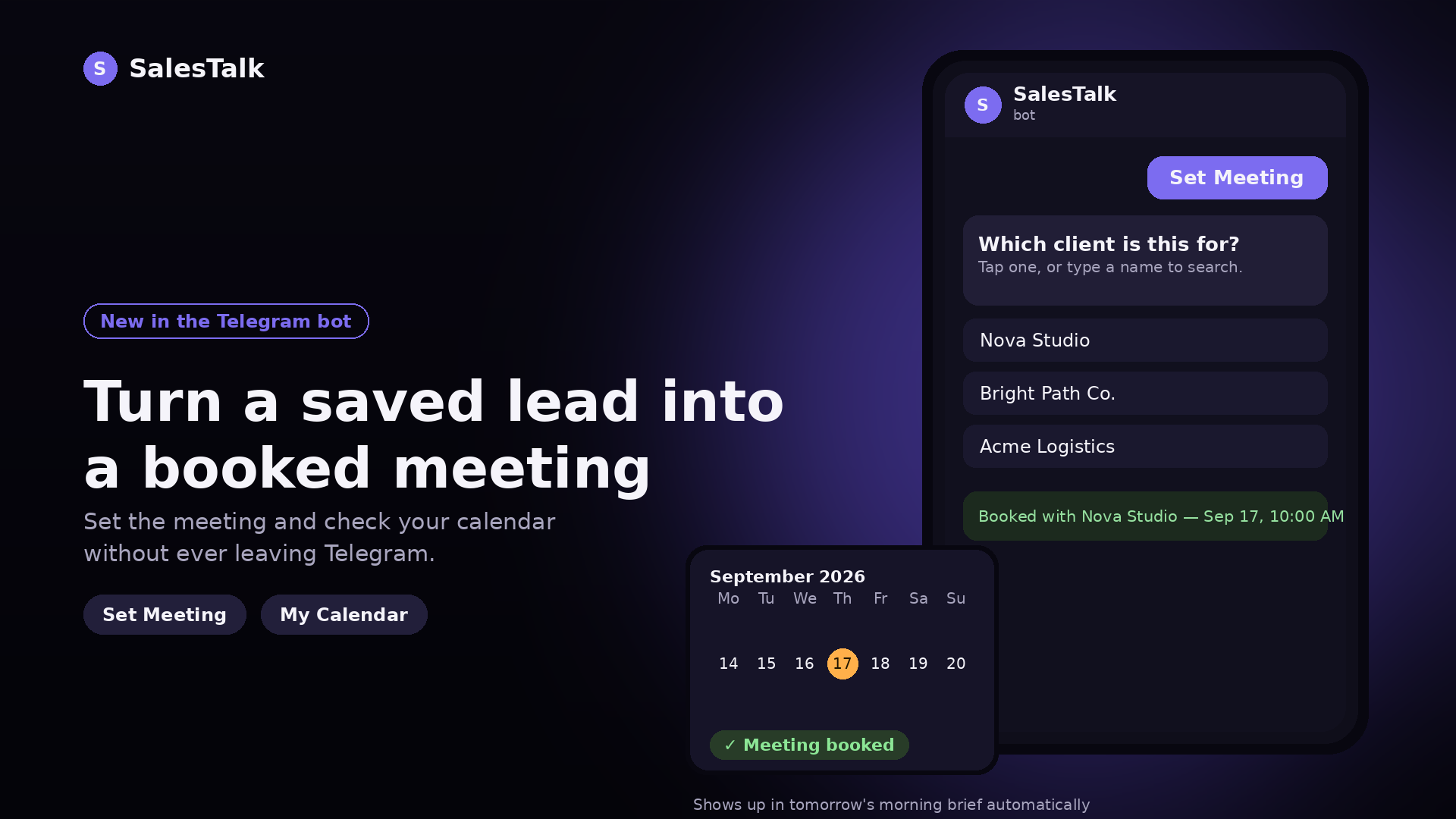
Capturing a lead is only half the job — following up is where deals actually get won. Today, we're rolling out a feature that makes scheduling that follow-up as fast as saving the lead itself: Calendar in the SalesTalk Telegram system.
What's new
You already save your leads into SalesTalk through Telegram — as a quick voice note or a text message after a call or conversation. Now, right from that same system, you can turn a saved lead into a scheduled meeting in two taps, and see everything coming up without leaving Telegram.
Two new shortcut buttons make this possible:
Set Meeting — Tap this button next to a lead to schedule a meeting with them. No forms, no switching apps — just pick a time and it's booked.
My Calendar — Tap this anytime to see all your upcoming meetings at a glance, pulled straight from what you've scheduled.
Every meeting is automatically linked back to the lead it came from, and synced into your SalesTalk system in real time — no manual entry, no double-booking, no details getting lost between a voice note and your calendar.
Never miss a meeting again
We also built this to fit naturally into how your team already starts the day. Every morning, each team member gets a morning brief with a rundown of their scheduled meetings — so everyone walks into the day already knowing who they're talking to and when.
No more scrolling through separate calendars or missing a meeting because it got buried in a chat thread. It's all pulled together automatically.
Why we built this
Saving a lead as a quick voice note is fast — but that speed used to stop there. Booking the actual follow-up meant leaving Telegram, opening another app, and manually re-entering details you'd already captured. We wanted the same two-second simplicity of saving a lead to carry through to scheduling the meeting with them. Calendar closes that gap, so nothing captured in a voice note gets lost before it turns into a booked meeting.
Try it now
The calendar feature is live for all SalesTalk users today. Next time you save a lead in the Telegram bot, tap Set Meeting to book your follow-up, or My Calendar to see what's ahead — and check your morning brief tomorrow to see it all pulled together automatically.
Got feedback or ideas for what we should build next? We'd love to hear from you.